
 Showcase
 Join our Discord
![[ESX/QB] - Taximeter](https://dunb17ur4ymx4.cloudfront.net/packages/images/989c623840c1b233c99a3ed659414c95d8a289de.png)
FiveM Taxi Job Script with Customizable Taximeter
Description: This FiveM script integrates a fully functional and customizable taximeter, available for players with the taxi driver job. The script offers a variety of features, allowing players to drive around the city as taxi drivers while a digital taximeter tracks the distance traveled and the fare for the ride.
Main Features:
Customizable Taximeter:
- The taximeter starts and calculates the fare based on the distance traveled.
- The price per kilometer can be adjusted in the configuration file (config.lua).
Multiple Vehicle Models:
- The script supports multiple vehicle models that can be used as taxis.
- Vehicle model names can easily be added to the config.lua file.
User-Friendly NUI Interface:
- The taximeter is controlled through a clear user interface (NUI).
- When pressing the right arrow key, the NUI displays the current fare in a kilometer counter design, with a dollar sign and four zeros, with the price increasing from right to left.
Start and Stop Buttons:
- The taxi driver can control the taximeter using simple start and stop buttons.
- The fare is recalculated from 0 for each ride.
Buttons :
Arrow UP open the Start Stop Menu
This Menu is onlx to Start and Stop the Taximeter.
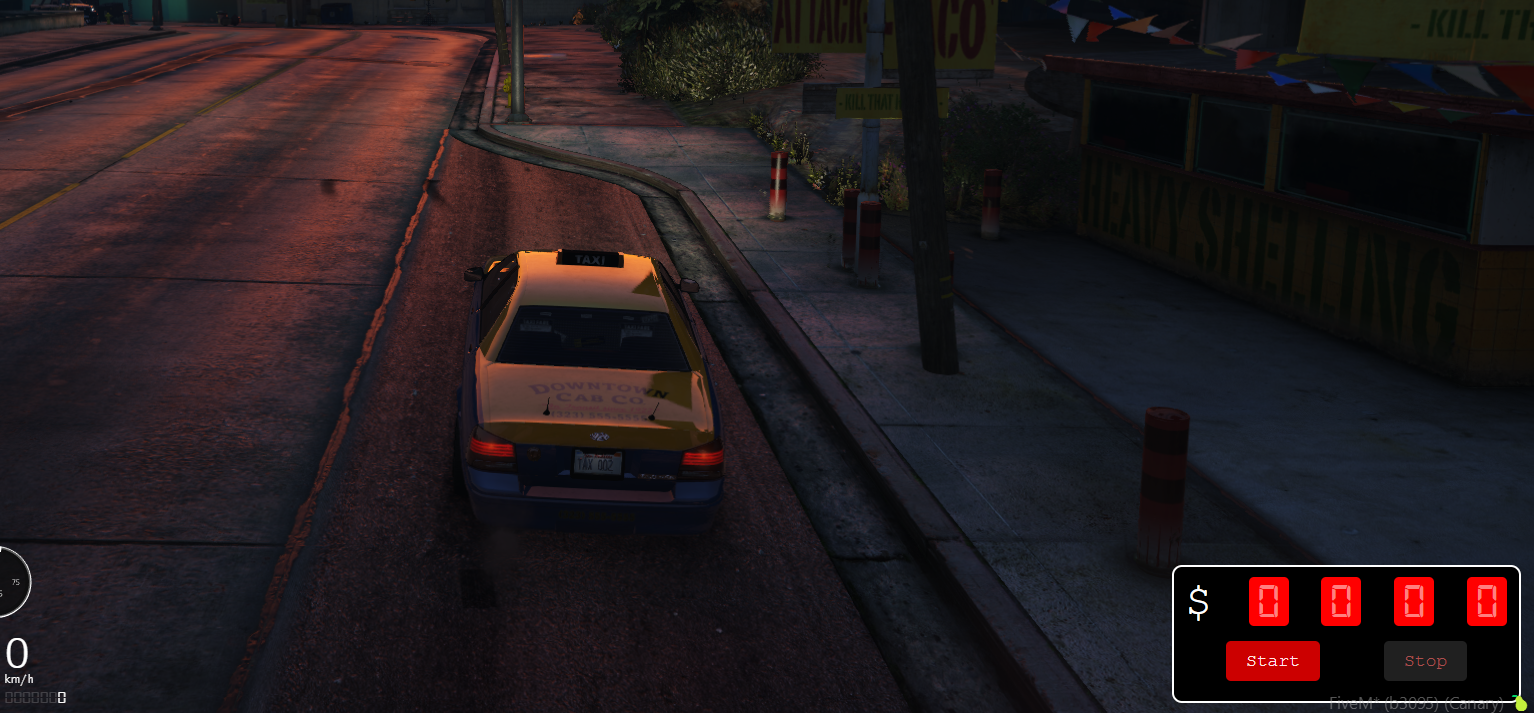
Arrow RIGHT open the Taximeter for Driver and Passengers:
When you open this Menu the Passengers can see how much it will cost.
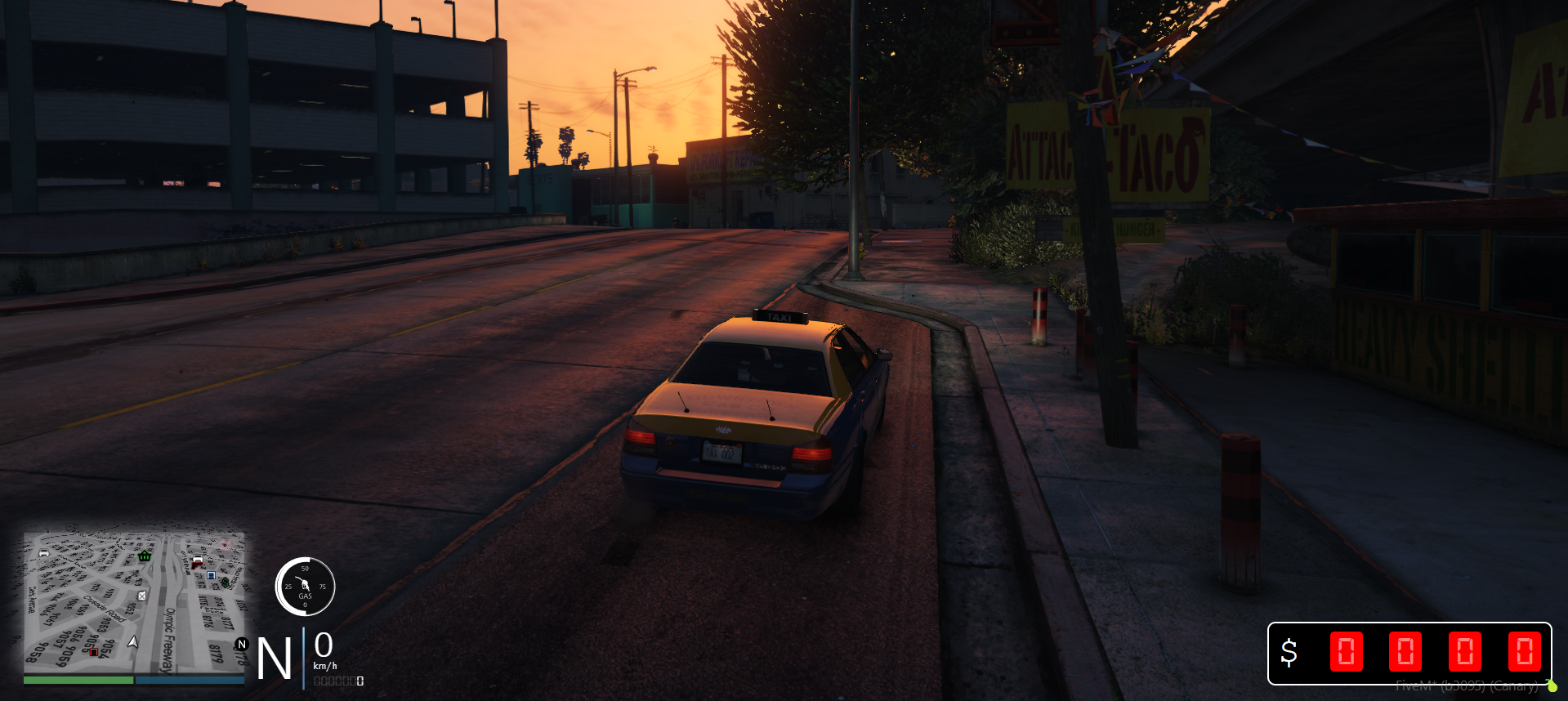
Automatic Fare Display for Nearby Players:
- By pressing the right arrow key, not only the driver but also nearby players (within 2 meters) can see the current fare on their screen.
- If nearby players move away from the taxi driver, the display automatically closes.
Vehicle Dependency:
- The taximeter only works if the player is in one of the predefined taxi vehicles.
- All controls, such as opening and closing the NUI and displaying the fare, can be customized in the config.lua file.
Config.lua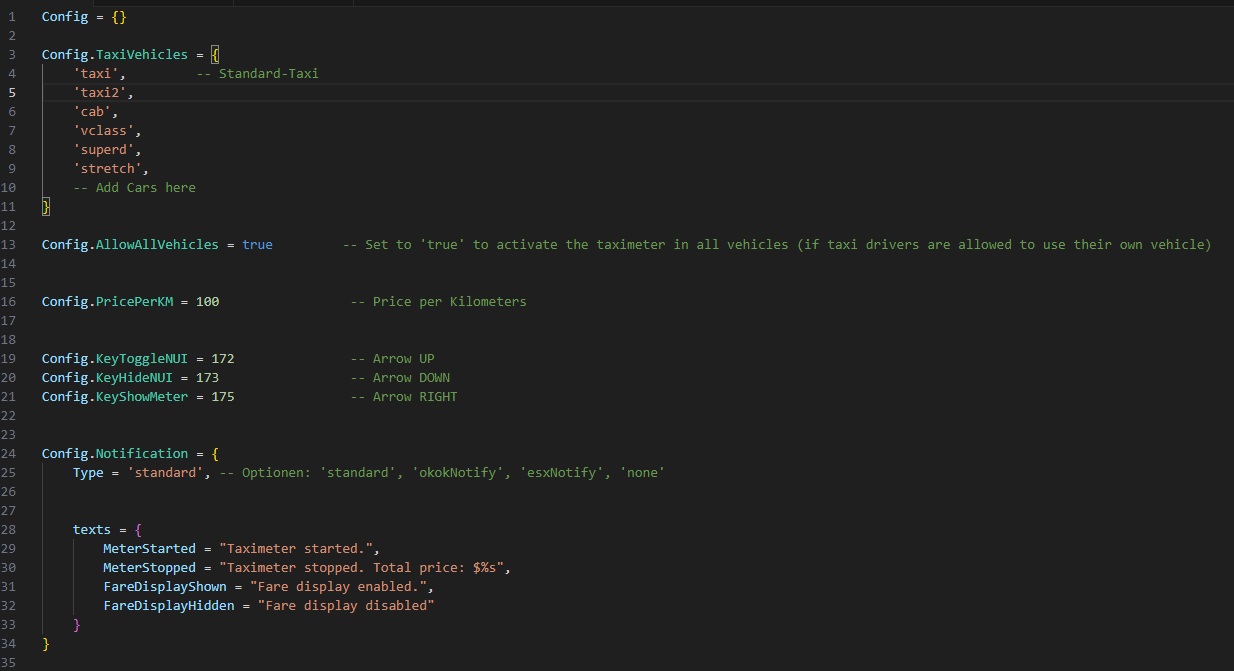
Preview: https://youtu.be/hJbYH0yW0_U